Computer Science

What is a Network Cable?

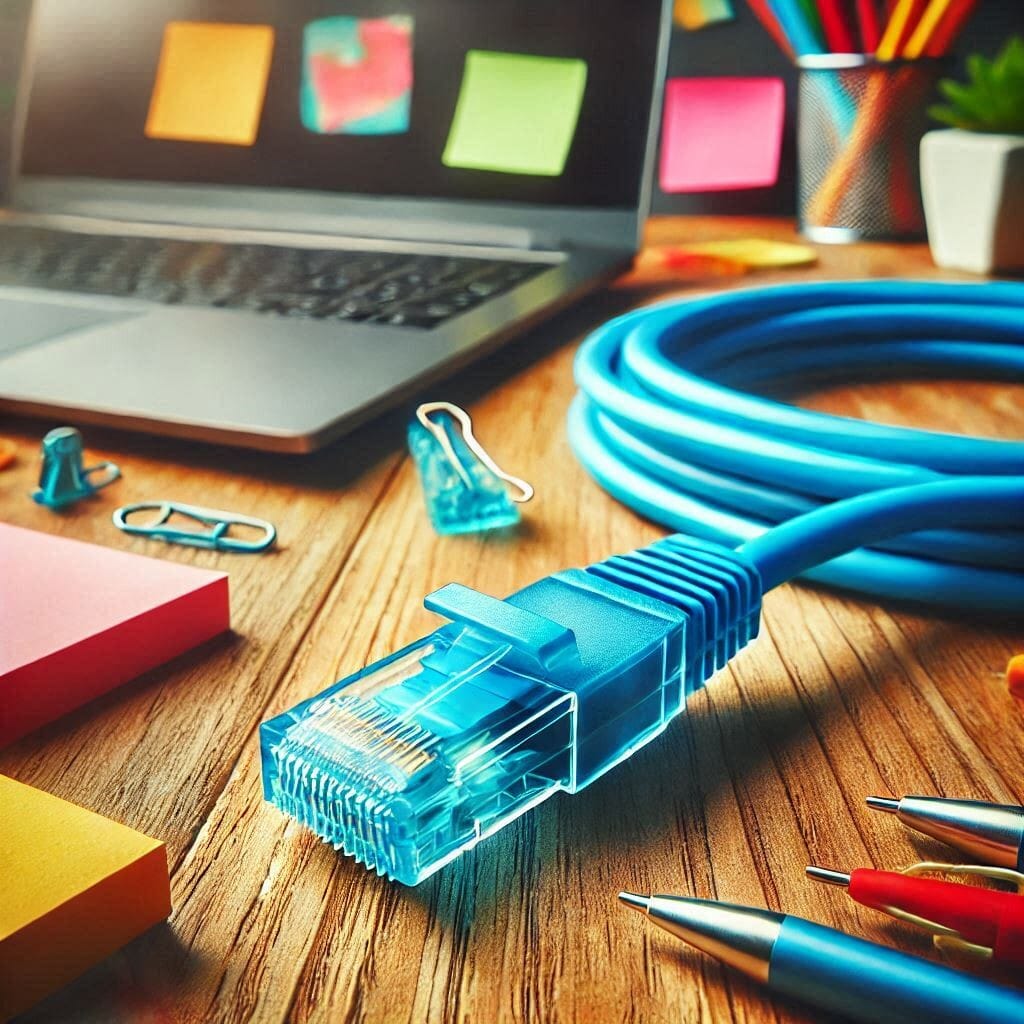
A network cable is a physical medium used to connect and transmit data between network devices, such as computers, routers, switches, and modems. The type of cable used impacts the speed, quality, and reliability of the data transmission in a network environment.


Main Types of Network Cables

Network cables are categorized based on their structure and the way they transmit data. Below are the primary types:

1. Twisted Pair Cable

  • Structure: Two insulated copper wires twisted together.
  • Features: The twisting minimizes electromagnetic interference (EMI) and crosstalk.
  • Types:
    1. UTP (Unshielded Twisted Pair)
      • No shielding, lightweight, and commonly used in LANs.
      • Examples: Cat5e, Cat6, Cat6a, Cat7.
    2. STP (Shielded Twisted Pair)
      • Includes shielding to provide extra protection against EMI.
      • Used in high-speed or industrial environments.
  • Category Speeds and Bandwidths: Category Speed Max Distance Bandwidth Cat5 Up to 100Mbps 100m 100MHz Cat5e Up to 1Gbps 100m 100MHz Cat6 Up to 10Gbps 55m 250MHz Cat6a Up to 10Gbps 100m 500MHz Cat7 Up to 10Gbps+ 100m 600MHz+

2. Coaxial Cable

  • Structure: Central conductor surrounded by an insulating layer, a shielding layer, and an outer plastic cover.
  • Features:
    • High resistance to EMI.
    • Suitable for long-distance data transmission.
  • Common Uses:
    • Cable TV, broadband internet, and some large-scale networks.
  • Speed: Generally supports 10Mbps to 100Mbps.

3. Fiber Optic Cable

  • Structure: A core made of glass or plastic that transmits light signals, surrounded by cladding and protective layers.
  • Features:
    • Extremely high data transfer speeds.
    • Ideal for long-distance communication.
    • Immune to EMI.
  • Types:
    1. Single-Mode Fiber (SMF)
      • Transmits a single light signal over long distances (10–100km+).
    2. Multi-Mode Fiber (MMF)
      • Uses multiple light signals for shorter distances (typically up to 2km).

4. Crossover Cable

  • A special twisted-pair cable designed to directly connect two similar devices (e.g., two computers) without a switch or router.

Factors to Consider When Choosing a Cable

  1. Network Speed and Bandwidth
    • Higher categories (e.g., Cat6 or Cat7) are suitable for high-speed networks.
  2. Transmission Distance
    • Fiber optic cables are recommended for long distances.
  3. Electromagnetic Interference (EMI)
    • In environments prone to EMI, use shielded cables or fiber optics.
  4. Cost
    • UTP cables are more affordable, while fiber optics offer better performance at a higher cost.

Common Uses of Network Cables

  1. Local Area Networks (LANs)
    • Twisted pair cables like Cat5e and Cat6 are widely used.
  2. Wide Area Networks (WANs)
    • Fiber optic cables are the standard for high-speed, long-distance connections.
  3. Home and Commercial Internet
    • Coaxial cables and twisted pair cables.
  4. Television and Satellite Communication
    • Coaxial cables.
  5. Data Centers and Cloud Environments
    • High-speed fiber optic cables.

Tips for Cable Installation and Management

  1. Optimize Length
    • Avoid overly long cables to reduce signal attenuation.
  2. Organize Cables Properly
    • Use cable trays or ducts for clean and safe cable management.
  3. Prevent EMI
    • Keep cables away from devices that generate interference, such as motors or power cables.
  4. Use Quality Connectors
    • Ethernet cables typically use RJ-45 connectors, while fiber optics use connectors like LC, SC, or ST.

Future of Network Cables

  1. Higher Speeds and Bandwidth
    • Cat8 Ethernet cables and 400Gbps fiber optics are emerging standards.
  2. Improved Durability
    • Materials are becoming more resistant to heat, moisture, and physical stress.
  3. Environmentally Friendly Designs
    • Cables are being designed with recyclable and sustainable materials.

Cables are an essential part of any network, and choosing the right type ensures optimal performance.

Aquinas

Hello! I'm Aquinas, a lifelong learner who finds everything in the world fascinating. I can’t ignore my curiosity, and this blog is where I document my journey of learning, exploring, and understanding various topics. I don’t limit myself to a single field—I enjoy diving into science, philosophy, technology, the arts, and more. For me, learning isn’t just about gathering information; it’s about applying knowledge, analyzing it from different perspectives, and discovering new insights along the way. Through this blog, I hope to record my learning experiences, share ideas, and connect with others who have a similar passion for knowledge. Let’s embark on this journey of exploration together! 😊

Recent Posts

What Is EPS(Earnings Per Share)?

When analyzing a stock, one of the first financial indicators you’ll encounter is EPS, or Earnings Per Share. It’s one… Read More

8 months ago

What is Market Capitalization? Everything Investors Need to Know

When you look at a stock’s profile on a financial website, one of the first things you’ll see is its… Read More

8 months ago

The MIT License

In the world of open-source software, simplicity and flexibility are often just as important as legal protection. That’s why the… Read More

9 months ago

Mozilla Public License (MPL)

If you want your software to be open source, but still compatible with commercial use—and not as restrictive as the… Read More

9 months ago

The Apache License 2.0

When it comes to open-source software, developers and businesses alike need licenses that balance freedom, legal clarity, and long-term security.… Read More

9 months ago

BSD (Berkeley Software Distribution) License

If you’re working on open-source projects or choosing third-party libraries for your software, understanding software licenses is essential. Among the… Read More

9 months ago