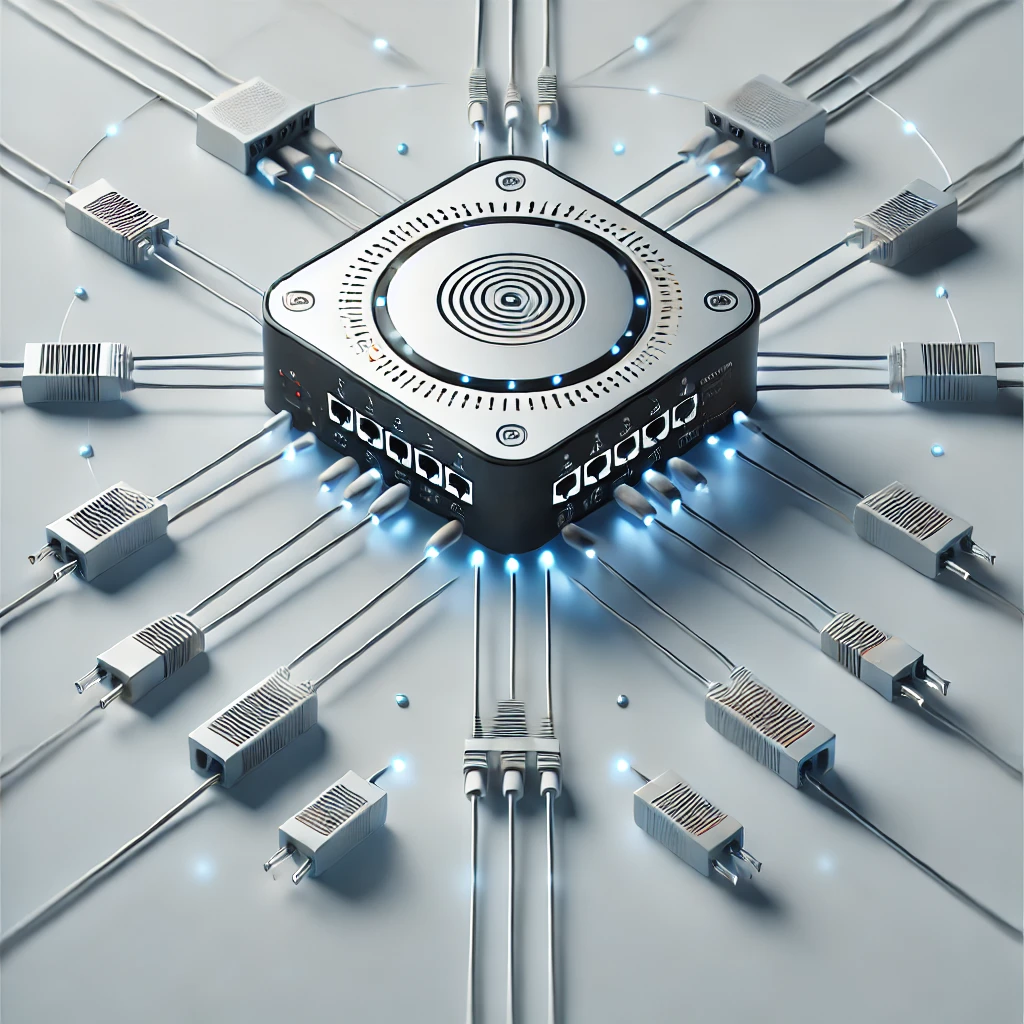
A hub is a basic networking device that connects multiple devices within a network and facilitates the transmission of data between them. It acts as a central point in a network, ensuring all connected devices can communicate. Hubs are simple devices, often used in small networks, but they lack advanced functionality compared to more modern devices like switches.
| Feature | Hub | Switch |
|---|---|---|
| OSI Layer | Operates at Layer 1 (Physical Layer). | Operates at Layer 2 (Data Link Layer). |
| Data Transmission | Broadcasts data to all devices. | Sends data only to the intended recipient. |
| Collision Domain | All devices share the same collision domain. | Each port has its own collision domain. |
| Performance | Slower and less efficient in larger networks. | Faster and more efficient, even in large networks. |
| Cost | Cheaper. | More expensive. |
Hubs are a great way to understand the basics of networking, but their limitations mean they are being phased out in favor of more advanced devices like switches.
When analyzing a stock, one of the first financial indicators you’ll encounter is EPS, or Earnings Per Share. It’s one… Read More
When you look at a stock’s profile on a financial website, one of the first things you’ll see is its… Read More
In the world of open-source software, simplicity and flexibility are often just as important as legal protection. That’s why the… Read More
If you want your software to be open source, but still compatible with commercial use—and not as restrictive as the… Read More
When it comes to open-source software, developers and businesses alike need licenses that balance freedom, legal clarity, and long-term security.… Read More
If you’re working on open-source projects or choosing third-party libraries for your software, understanding software licenses is essential. Among the… Read More